Is Beatscale free?
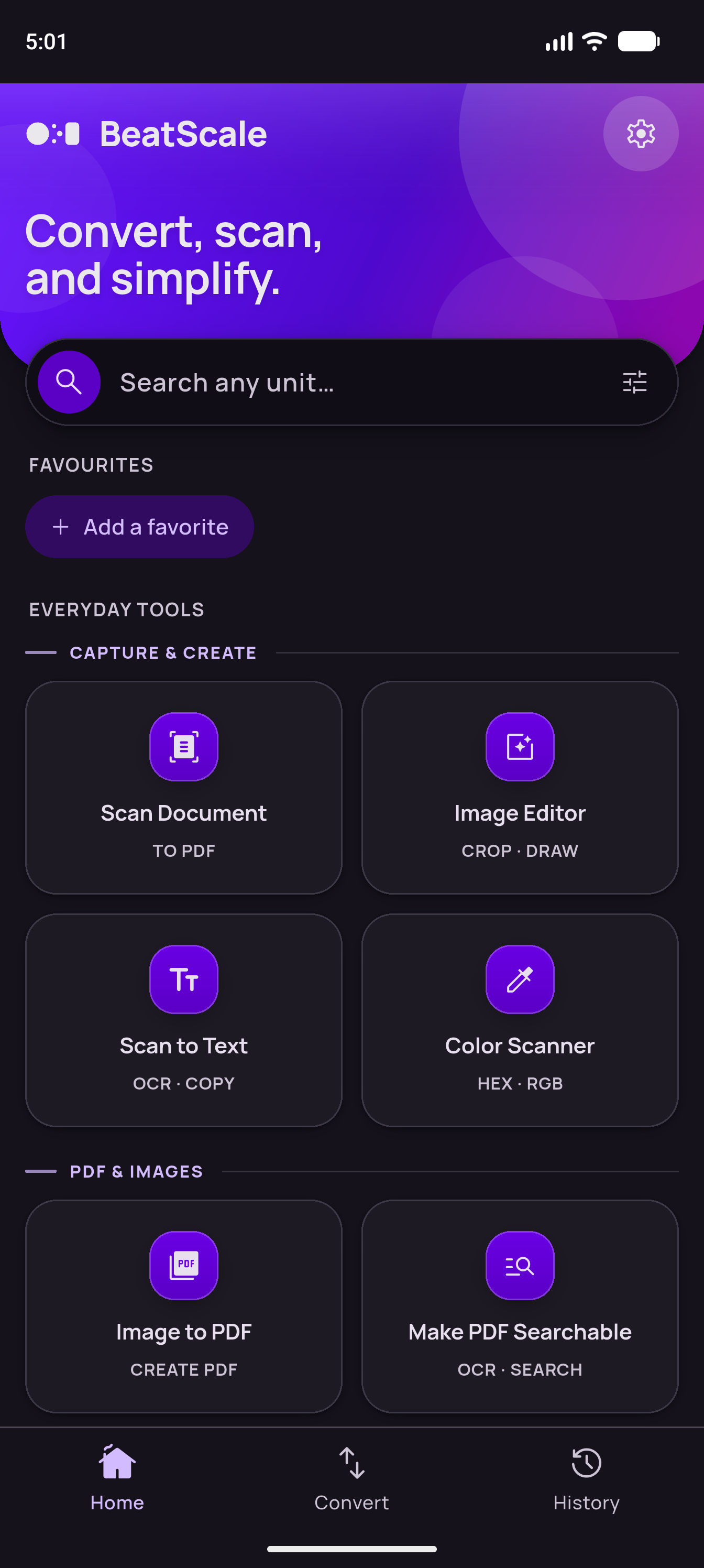
Yes. Free Essentials includes Scan Document up to 10 pages per job, Compress PDF up to 10 pages per PDF, and Image to PDF up to 10 output PDF pages. Eligible free exports have no watermark, daily job counter, or time-based trial. Scan to Text, PDF Metadata, common conversions, colour scanning, date tools, and Network Health also have useful free access. Premium is an optional one-time purchase with no subscription.
Do 10 photos use the whole Image to PDF allowance?
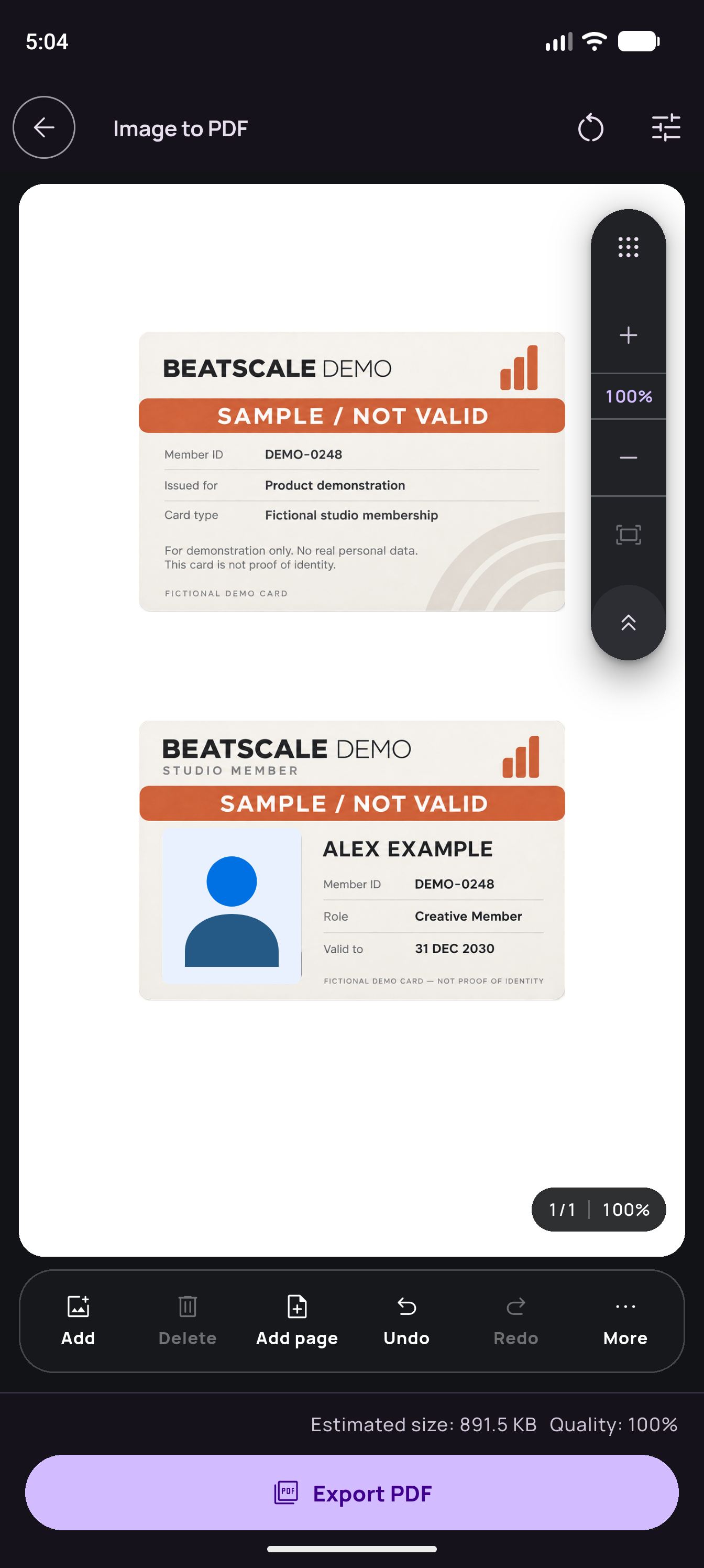
The allowance counts generated PDF pages, not imported photos. Several photos manually arranged on one page count as one page. All layouts, image editing controls, and optional OCR are included within the 10-output-page allowance. Each new job has its own allowance.
Can I scan existing photos or a PDF?
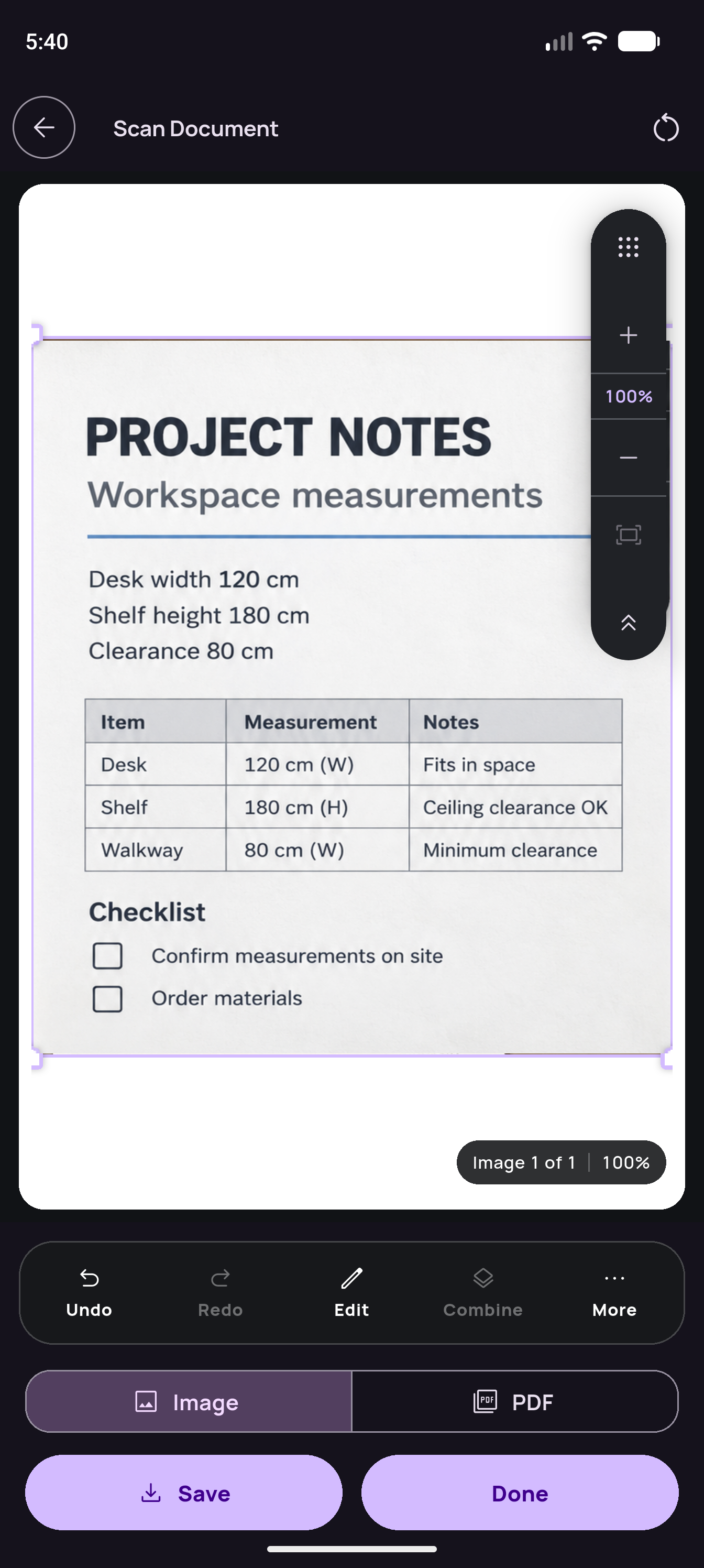
Scan Document captures paper using the camera. Use Image to PDF for existing photos, Image Editor for standalone image editing, or the PDF tools for existing PDFs. A scan can be exported as PDF, a current-page JPG or PNG, or an all-pages ZIP. Applying full Image Editor adjustments to a scan requires Premium.
Is OCR free, and which text can it recognise?
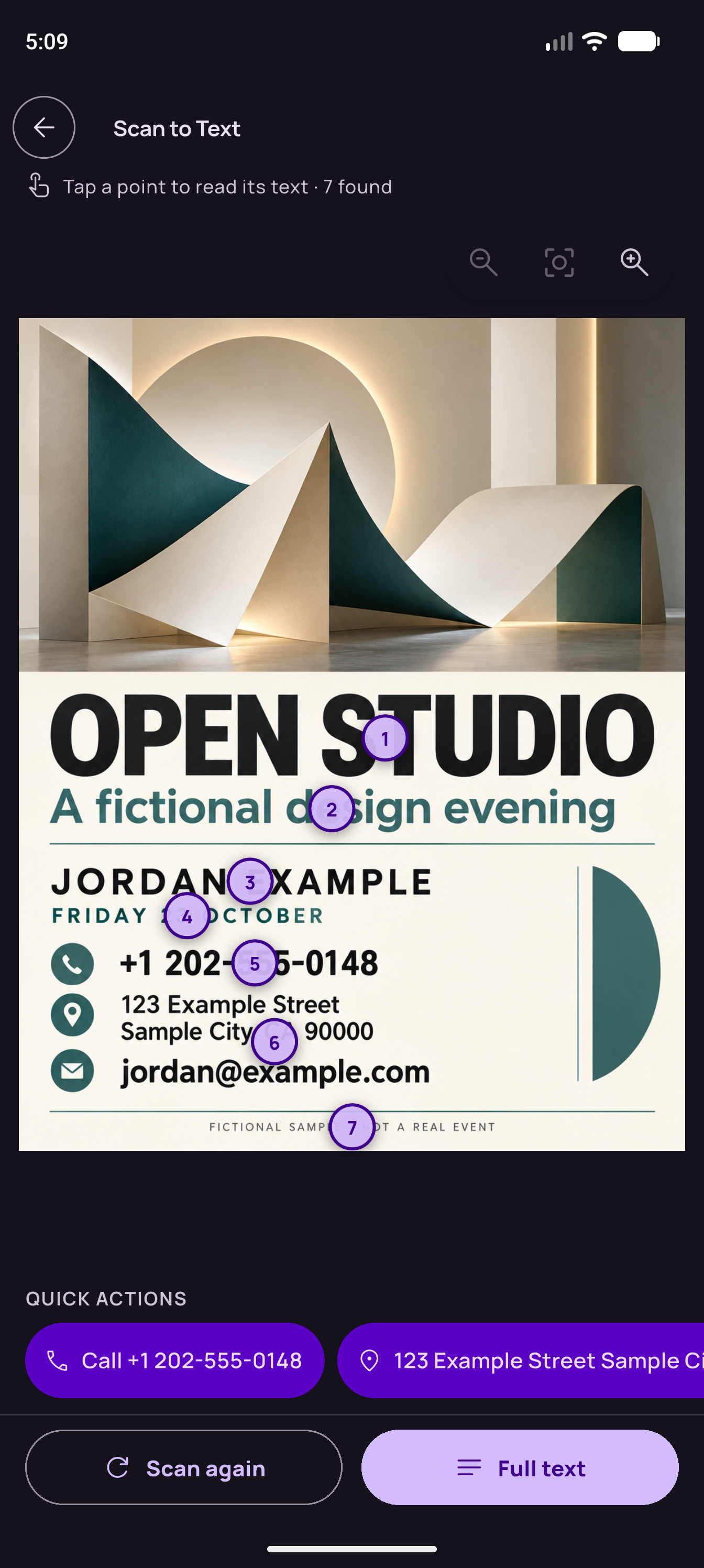
Scan to Text recognition, copying, and TXT saving are free. OCR currently supports Latin-script text and can need correction. Optional OCR in Compress PDF and Image to PDF follows each tool's free page allowance. The separate Make PDF Searchable workflow requires Premium output and produces a raster copy with a text layer. That conversion does not preserve interactive structure, encryption, or certificate signatures, and searchable text has additional character-encoding restrictions.
Will compression always make a PDF smaller?
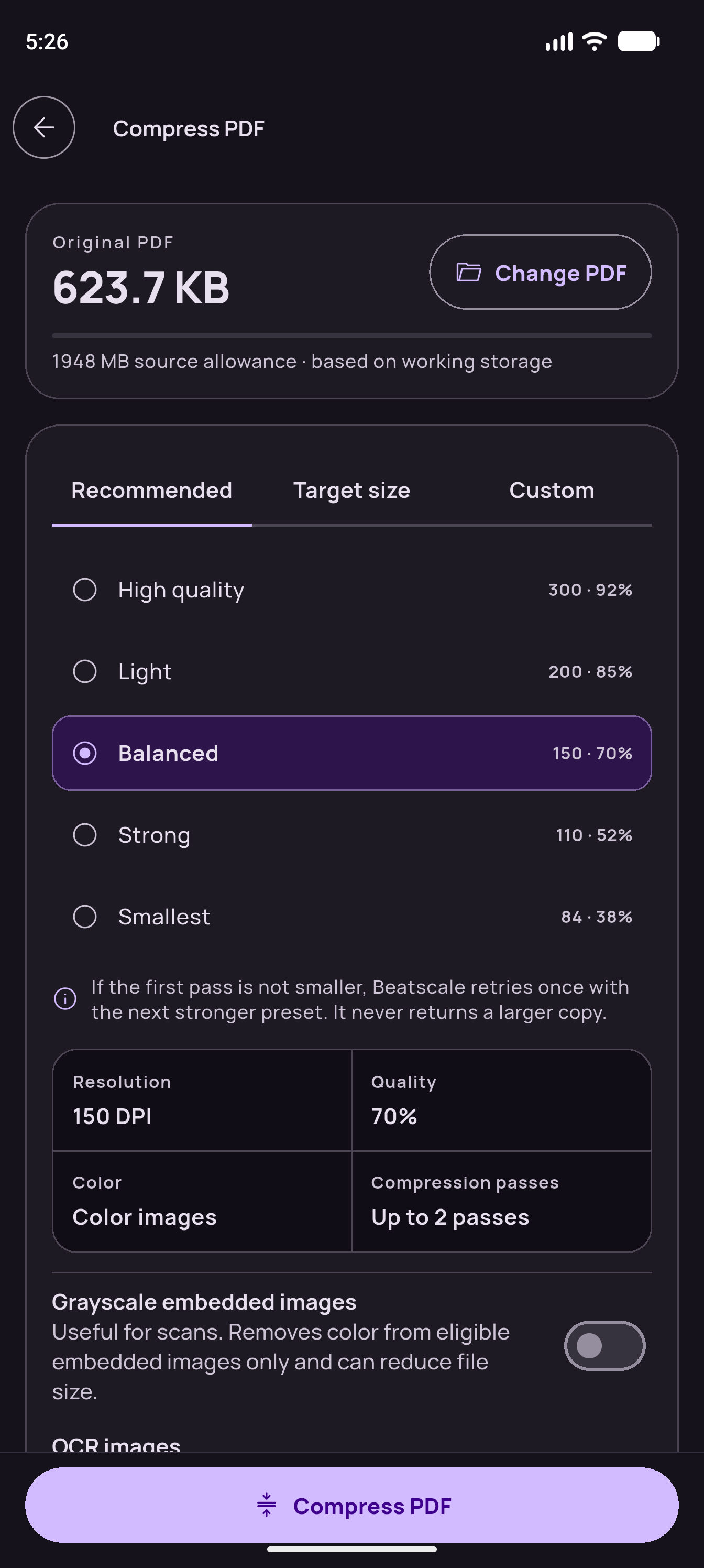
Results depend on the source file and your settings. Compatible PDFs use image compression that preserves native text and other supported content. If a flattening fallback is required, Beatscale asks for consent first. You can adjust quality, resolution, grayscale, and OCR, then review the result. A smaller file or unchanged quality is not guaranteed.
How do PDF editing, redaction, and signatures work?
The PDF Editor adds text boxes and edits text you added, rather than replacing arbitrary existing PDF text. Secure redaction permanently covers marked regions in a new exported copy and flattens marked pages into images, removing their original text and interactive content. Unmarked pages retain native content, and the source stays unchanged. This does not sanitize every sensitive object throughout a document. Metadata removal changes supported properties, not visible content. Visual Signature adds a drawn mark or transparent PNG. It does not provide certificate-based digital signing, verify identity, or guarantee acceptance by every recipient.
Can an interrupted job be recovered?
Supported processing tasks can recover from checkpoints and reuse verified completed work, including completed PDF split parts. This is not universal editing autosave. Ordinary tool visits use temporary sessions, and reopening a tool starts fresh. Recovery does not cover every unsaved edit or interruption.
Are there limits with Premium?
Premium removes the commercial page limits and enables professional outputs, every conversion result, unlimited favourites, and generated-file History. Available working storage, device memory, supported formats, and safety checks still determine what can be processed.
Do I need Premium to keep my saved files?
Files you explicitly save outside the app remain available without Premium. App-managed generated-file History is Premium. Removing a History item also removes its app-managed file copy, and interrupted internal cleanup is retried. External copies are separate. Network Health's free local history of the last 50 measurements is also separate from generated-file History.
What does a backup include?
A local ZIP backup covers supported preferences, favourites, History records, and retained History files. Backups are not encrypted, so keep them somewhere you trust. Purchase and entitlement state, crash-reporting consent, and temporary processing state are excluded. Restoring a backup does not restore a purchase. Use the store's purchase restoration separately.
Does Beatscale work offline?
Documents, images, conversion calculations, and OCR content are processed on your device. Connections may be used for purchases and entitlement checks, Android scanner setup, SDK operational diagnostics, optional crash reports, and Network Health checks you start. Crash reporting is off by default.
Which platforms is Beatscale on?
Beatscale is available on Android through Google Play. iOS availability is not confirmed.